Everything a linear channel needs — without a broadcast truck
Hustle TV is built around the jobs streamers and channel owners actually have: fill a
library, plan a week, connect destinations, stay on air, and prove the hours.
Guide
The EPG your audience already reads
A real TV guide for your channel — now line, primetime, the grammar everyone already reads.
Horizontal week view with NOW / NEXT chips
Publish your week as an image, a text listing, or XMLTV.
Edit stays in Schedule — Guide is review and publish
Hustle TV — Guide
Schedule
A real week, snapped together
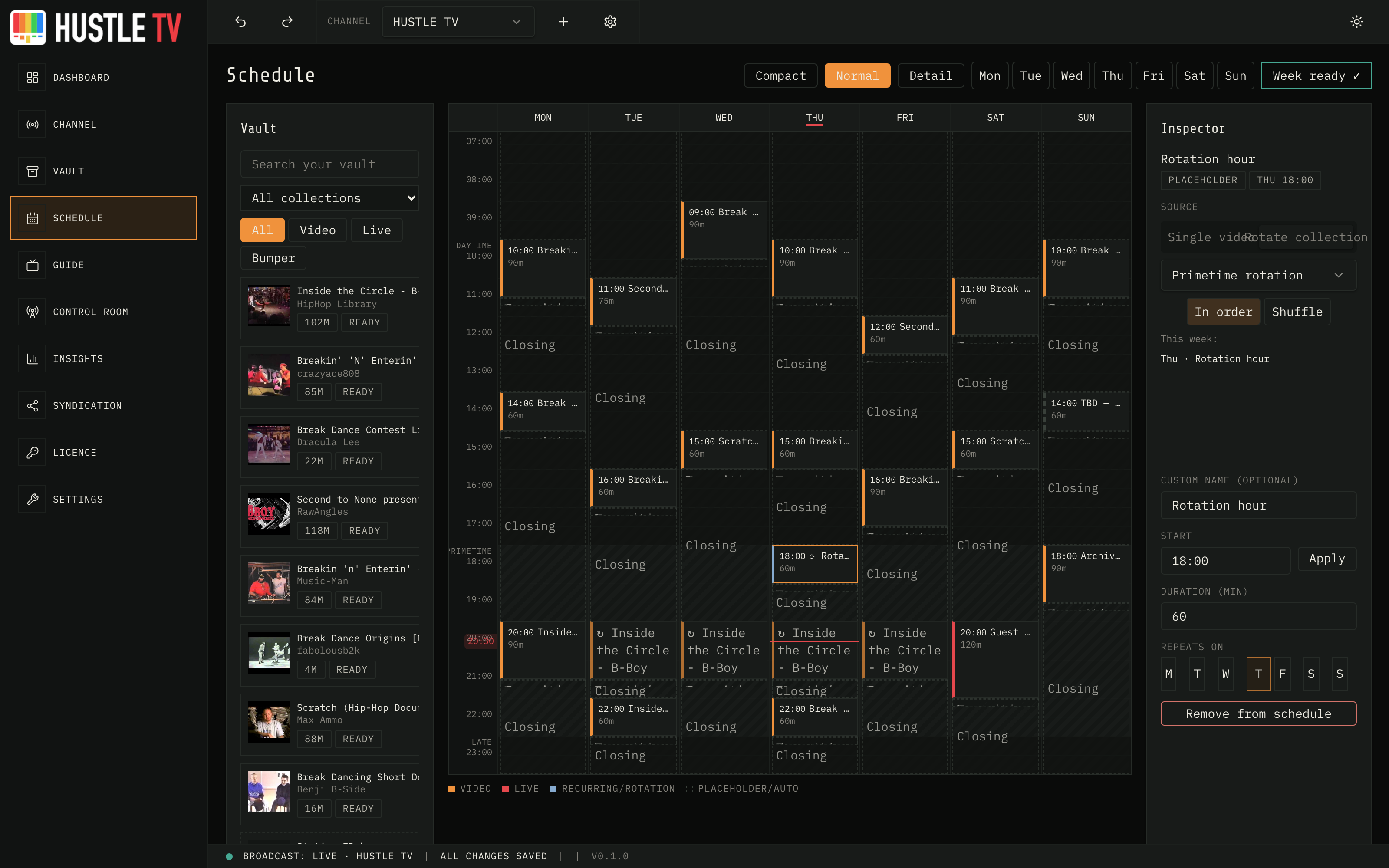
Drop programmes onto a weekly timeline. They snap. Gaps fill with continuity. You see
the channel before it goes live.
Week grid built for operators, not slideshow decks
Rotation slots: schedule a collection, not a file.
Ad windows, countdowns, and next-up cards auto-place
Hustle TV — Schedule
Vault
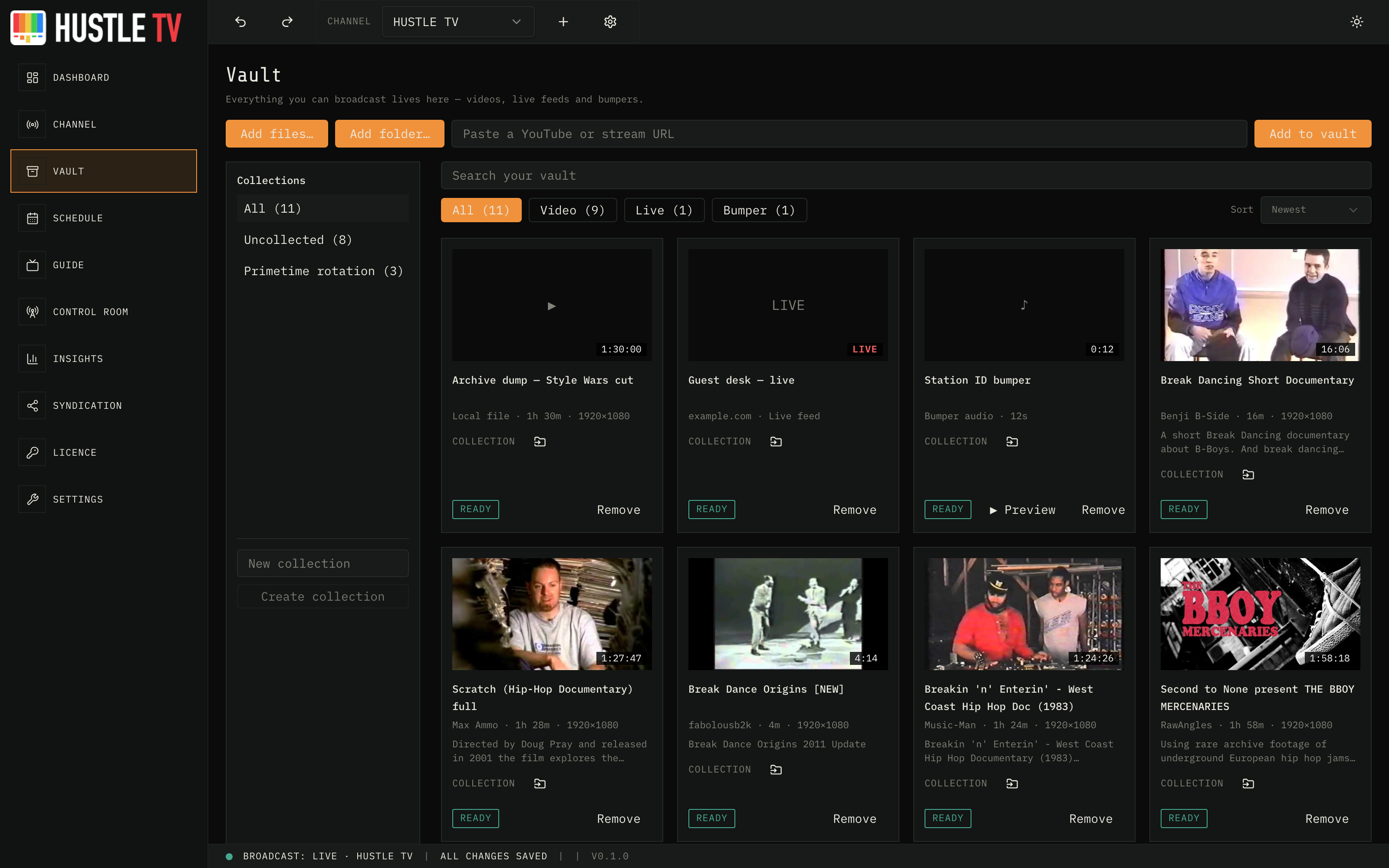
A library you can actually run from
Thumbnails, runtime, originating channel, descriptions, collections — so you stop
guessing which file is which at 2am.
YouTube playlists and local files into one vault
Collections and sub-collections for real curation
Live download progress across the app
Hustle TV — Vault
Control Room
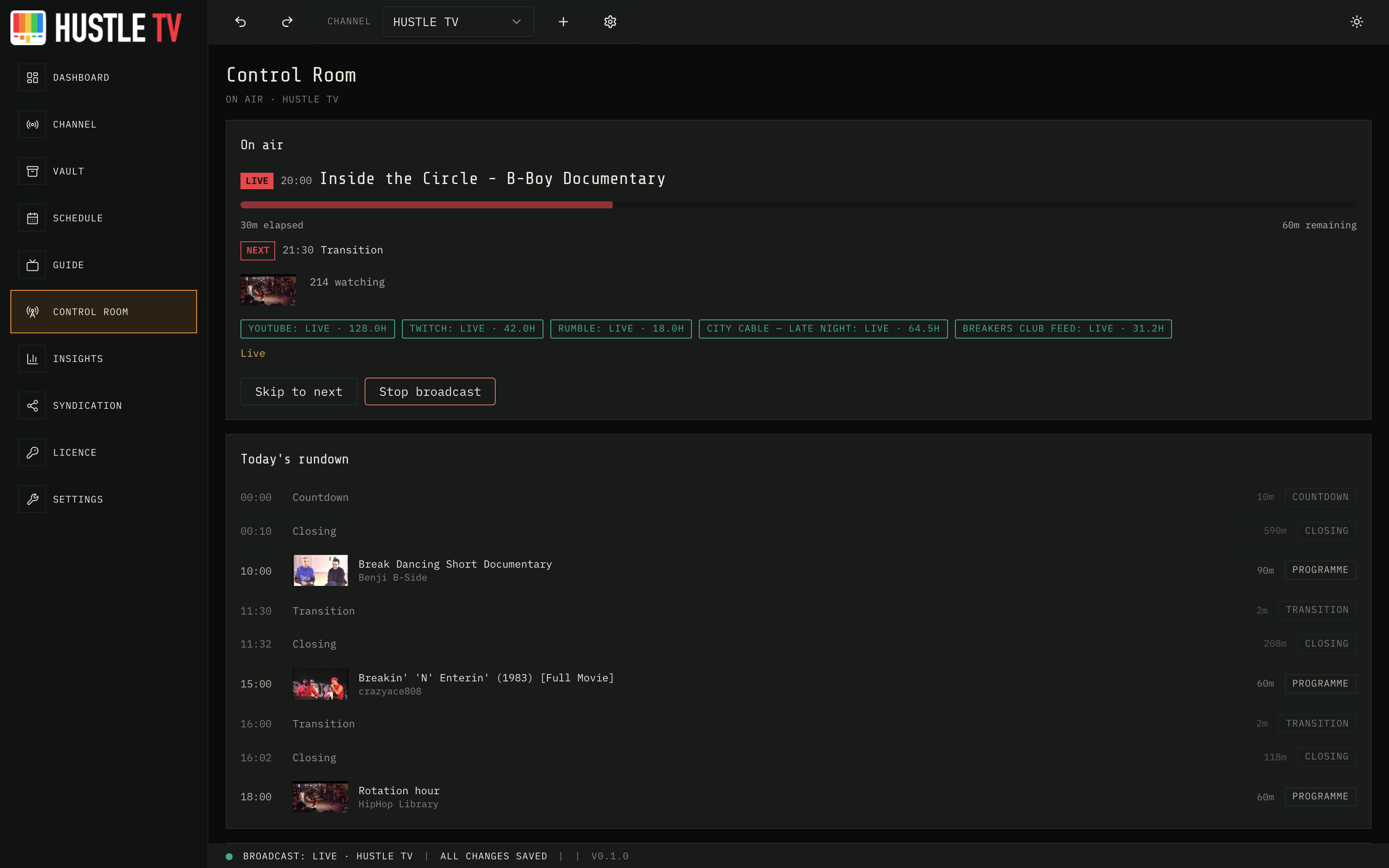
Go live with eyes open
Pre-flight, rundown, and per-target health — so you know what is airing and where the
feed is actually connected.
YouTube Live connection flow built in
Live / reconnecting / off per stream target
Hours delivered for partners you syndicate to
Hustle TV — Control Room
Channel
On-air identity in one place
Your channel's whole on-air identity — logo, bug, and every junction card — designed in one place.
Logo and screen bug with true-position preview
Countdown, transition, closing, and ad-window artwork
Live-safe bug toggle from Control Room
Hustle TV — Channel
Insights
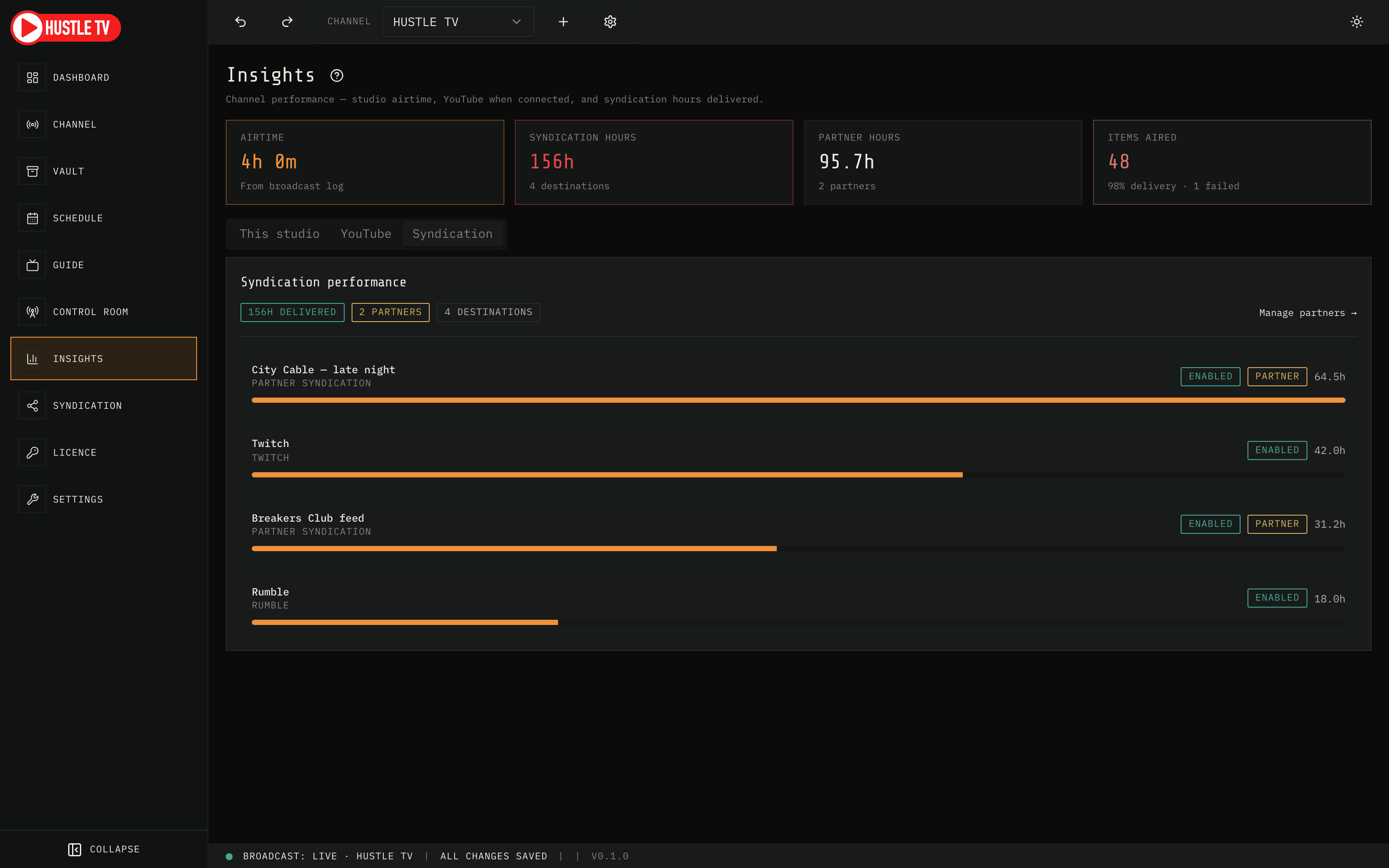
Proof you were on air
Channel airtime and uptime from your own broadcast log — YouTube Analytics when
connected — and syndication hours delivered across every destination and partner.
Airtime without waiting on a third-party dashboard